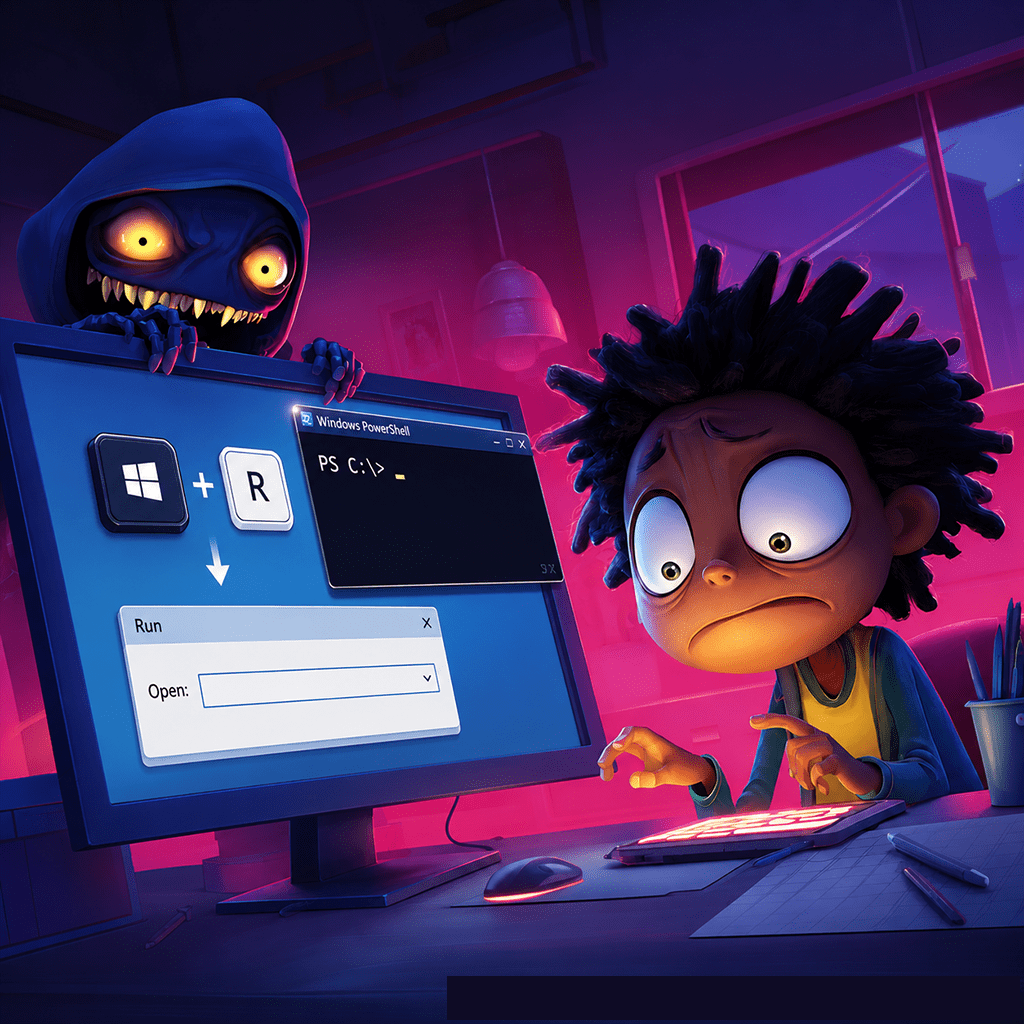
A page says something is broken. A helpful button offers the fix. Then the "solution" asks you to run a command on your own device.
That is ClickFix: social engineering that turns the victim into the execution step. Instead of exploiting a software flaw, the attacker presents a fake error, update, document problem, or human-verification check and persuades the user to launch the infection.
How ClickFix turns help into malware:
🧩 A fake problem with a ready-made solution - Criminals reproduce familiar error messages, document viewers, security warnings, and CAPTCHA screens. The page does not merely frighten the target; it provides instructions that appear to solve the invented problem.
📋 The clipboard carries the trap - A button places a malicious command on the clipboard while the page tells the user to paste it into a system dialog or terminal. The person sees technical-looking text and runs it under their own account. Microsoft classifies ClickFix as a social-engineering technique rather than a malware family.[ref]
🛡️ The victim crosses the security boundary - Email filtering or browser protection still blocks many campaigns, but ClickFix adds trusted user interaction to the chain. That action helps the attack slip past controls designed to stop unsolicited files or automatic execution; it does not make security tools useless.[ref]
🌐 Many roads lead to the same lure - Phishing links and attachments, malicious advertisements, compromised legitimate websites, fake downloads, and poisoned search results deliver the prompt. Proofpoint observed TA571 send more than 100,000 messages in one early 2024 campaign targeting thousands of organizations.[ref]
🦠 The "fix" installs the real problem - Documented campaigns delivered information stealers, remote-access tools, loaders, and backdoors. Attackers then steal browser data and credentials, take remote control, establish persistence, or deploy more malware.[ref]
🧰 ClickFix became a service - Microsoft found builders advertised to criminals since late 2024, with configurable fake verification pages and malicious command generation. The technique spread beyond Windows and across government, finance, education, transport, and consumer targets.[ref]
The scale is no longer theoretical. In 2025, Microsoft observed ClickFix campaigns targeting thousands of enterprise and consumer devices globally every day.[ref] One fake verification step gives the command something automatic malware delivery often lacks: the user's apparent permission.
What to do:
For individuals:
- Never run a command supplied by a webpage, pop-up, document, CAPTCHA, support message, or unexpected email.
- A legitimate human-verification check stays inside the webpage. If it asks you to open a system tool or terminal, close the page.
- If you already followed the instructions, disconnect the device from networks and contact your security team or trusted technical support. Change exposed passwords from a known-clean device after the incident is contained.
For organizations:
- Train staff to recognize the behavior: a webpage instructing them to leave the browser and run or paste a command.
- Where operationally appropriate, restrict access to the Run dialog and scripting tools, apply application control and least privilege, and keep endpoint and web protection enabled.
- Alert on unusual command interpreters and trusted system utilities launching scripts, downloading content, or creating persistence from ordinary user sessions.
- Treat execution as a probable compromise. Isolate the endpoint, investigate credential and session theft, and hunt for follow-on access rather than deleting only the first downloaded file.
The button says "fix." The fix is the infection.