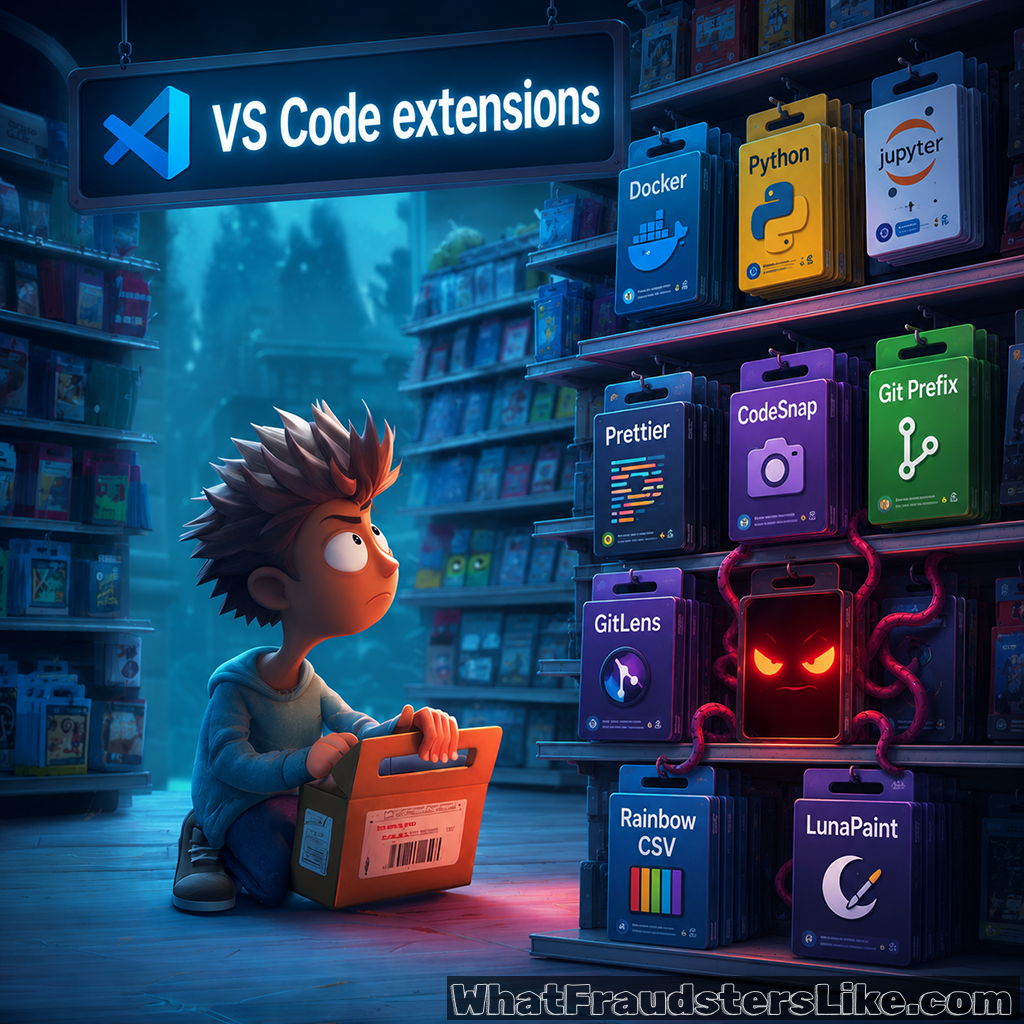
You're a developer. You install extensions constantly - it's part of the workflow. Syntax highlighting, linters, Git integrations, AI pair programmers. The VS Code Marketplace has over 60,000 extensions. Most are legitimate. A growing number are not, and some specifically target the developers who trust them most.
VS Code's power comes from its extensibility. That extensibility is also its attack surface.
How attackers exploit VS Code:
🎭 Typosquatting and impersonation in the Marketplace - Attackers publish extensions with names nearly identical to popular ones: "prettier-code" instead of "Prettier," "python-extension-pack" mimicking the official Microsoft pack. Developers install them assuming they're the real thing. Once installed, the extension can read files, execute terminal commands, and exfiltrate secrets - all within VS Code's legitimate permission model.[ref]
🖼️ Malicious code hidden in PNG files - Attackers embed executable code inside what appears to be a PNG image file. The extension loads the image, extracts the hidden payload, and runs it - bypassing security tools that scan extension source code but don't analyze image content.[ref] The file looks like an asset. It runs like malware.
📄 Malicious workspace configuration files - VS Code automatically processes workspace files (.vscode/tasks.json, launch.json) when a developer opens a project. Attackers embedding malicious task configurations in GitHub repositories can trigger code execution the moment a developer opens the folder - no extension needed.
🔑 Credential harvesting - Malicious extensions have full access to VS Code's environment, including .env files, SSH keys, and API keys stored locally. They silently exfiltrate AWS credentials, GitHub tokens, and private keys to attacker-controlled servers.
📦 Compromised legitimate extensions - Attackers gain access to publisher accounts of legitimate, highly-rated extensions and push malicious updates to hundreds of thousands of existing users.[ref] A single compromised account reaches every developer who installed and auto-updates it.
🤖 AI-themed lures - Fake "AI pair programmer" or "Copilot alternative" extensions attract developers eager to try the latest tools, then silently harvest the code they're working on or credentials in their environment.
The developer environment is a high-value target. A compromised developer machine means access to production credentials, source code repositories, cloud infrastructure, and CI/CD pipelines - the keys to everything upstream and downstream. In 2024, the VS Code Marketplace saw multiple coordinated malicious extension campaigns, with some individual extensions accumulating hundreds of thousands of installs before detection.[ref]
What can we do:
For developers:
- Audit your installed extensions regularly. Uninstall anything you don't recognize or actively use.
- Check publisher identity carefully - look for the verified publisher badge and review the source repository before installing.
- Disable auto-update for extensions in security-sensitive environments.
- Use VS Code's Restricted Mode for untrusted workspaces and never open cloned repositories without reviewing the .vscode directory first.
- Store secrets in secret managers, not .env files in your project directory.
For organizations:
- Implement an approved extension allowlist and enforce it via endpoint management.
- Monitor developer endpoints for unusual network connections and unexpected outbound data transfers from VS Code.
- Include VS Code extension security in your software supply chain security policy.
Your IDE is not just a text editor. It's a privileged execution environment with access to everything you build.