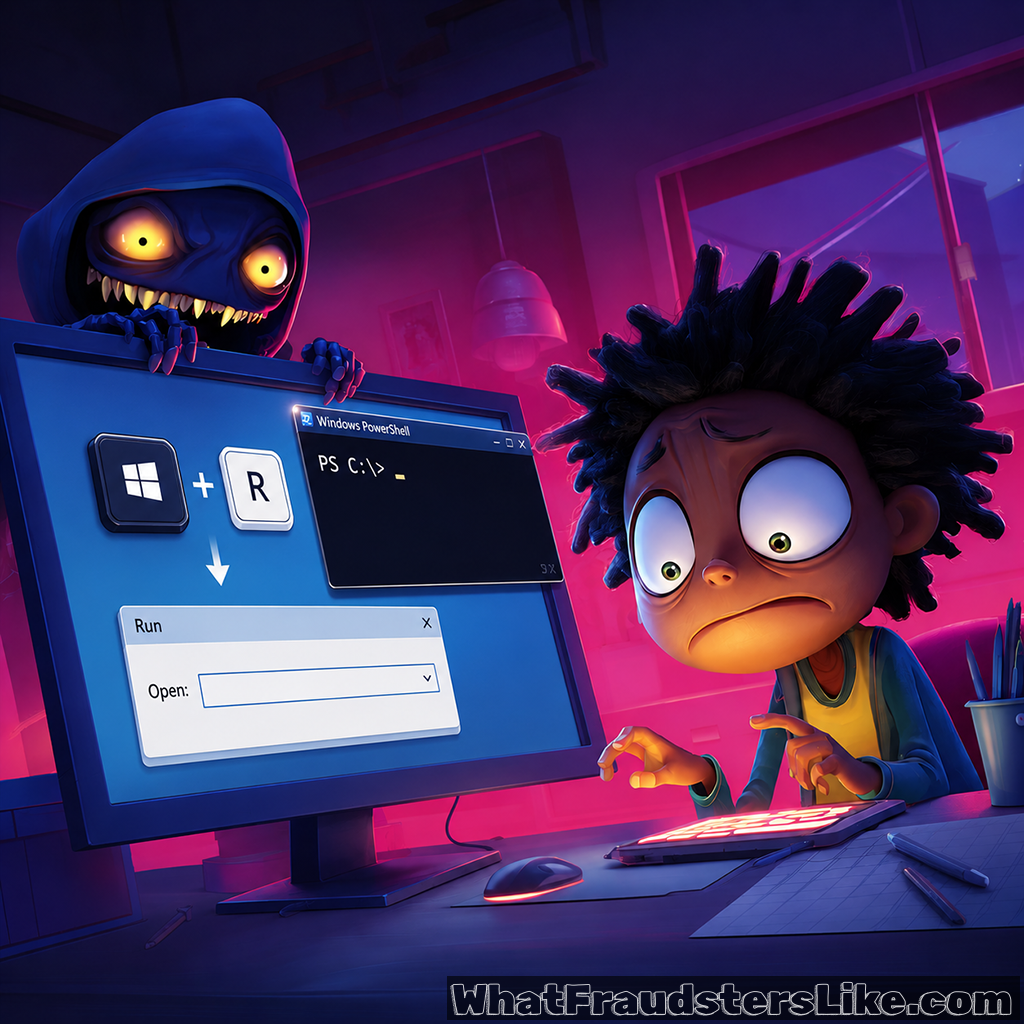
A dialog box pops up. Something is broken. Your browser can't display the page correctly. A helpful blue button says "Fix." You click it - and the attacker is in.
ClickFix is one of the fastest-growing social engineering techniques of 2024-2025. It bypasses antivirus, email filters, and sandboxing entirely - because it tricks the victim into running the malware themselves. No exploit required. Just a convincing error message and a human who wants to solve a problem.
How ClickFix attacks work:
🖥️ The fake error dialog - Attackers display a convincing browser, software, or system error message on a compromised or malicious website. The error might claim that a font is missing, a Chrome update is required, a captcha needs to run locally, or that your network connection has an issue. The dialog is designed to look identical to legitimate Windows or browser error messages.
📋 Clipboard injection and PowerShell execution - The "fix" instructs the user to open the Run dialog (Windows+R) or PowerShell and paste a command that has been silently copied to their clipboard. The user believes they are following technical support instructions. In reality, they are executing a command that downloads and installs malware - typically an infostealer, remote access trojan, or ransomware loader.
🏢 CAPTCHA lures - A variant uses a fake CAPTCHA that instructs users to press Windows+R, then Ctrl+V to "verify they are not a robot." The clipboard already contains a malicious PowerShell command. This variant is particularly effective because it frames the action as a routine security check.
🎯 Targeted deployment - ClickFix has been documented on compromised legitimate websites, malicious Google Ads, phishing emails with HTML attachments, and fake software download pages. Threat groups including TA571 have deployed it in large-scale campaigns delivering AsyncRAT, NetSupport RAT, and DarkGate malware.
🤖 AI-enhanced lures - Attackers create ClickFix pages mimicking Microsoft Copilot, ChatGPT, and other AI tools, exploiting user familiarity with AI assistant interfaces. The "error" appears while using a fake AI service, increasing perceived legitimacy.
Infosecurity Magazine reported a significant surge in ClickFix attacks in early 2025, with multiple threat actor groups adopting the technique across both opportunistic and targeted campaigns. Its effectiveness comes from two factors: it defeats technical controls by using the victim as the execution mechanism, and it exploits the human instinct to fix things that appear broken.
What can we do:
For individuals:
- Never run commands you find in error dialogs, pop-ups, or instructions from websites. Legitimate software does not ask you to open PowerShell and paste commands.
- If you see a "Fix" button in a browser or website error message, close the tab rather than clicking it.
- Be suspicious of any instruction that involves pressing Windows+R, opening Terminal, or copying and pasting anything from a website.
For organizations:
- Configure Windows to restrict PowerShell execution policy and block unsigned scripts where operationally possible.
- Implement application control that alerts or blocks on unexpected PowerShell and CMD executions from user accounts.
- Train employees specifically on ClickFix - show them what these dialogs look like. Recognition is the primary defense.
- Monitor endpoint telemetry for PowerShell spawned from browser processes - this is a reliable indicator of ClickFix execution.
The most dangerous malware delivery technique is the one that makes you install it yourself.